…that doesn’t break the bank.
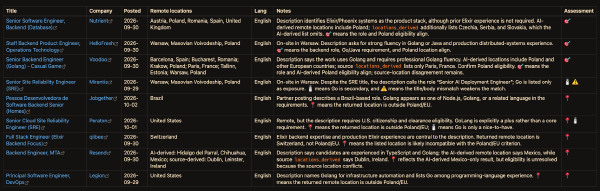
I have spent the last month or so seriously digging into LLM-driven workflows - tweaking my setup and getting more comfortable in the “software factory” development mindset. And since I started actively looking for work, I figured it’s the perfect opportunity to use the tools for something other than coding.
While I get as much LinkedIn job-postings spam as the next person, even with some preferences tweaking, it hardly shows the full picture of the offers available on the market. Even when frequently checking topical slack channels and some of the more approachable aggregators, a lot of interesting postings never really showed up on my radar.
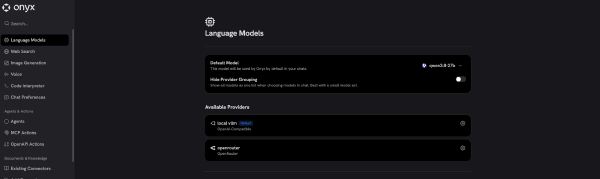
Context / Disclaimers # When I say “private ChatGPT” I mean an LLM server / model host + a RAG solution with a web interface. The chat interface has everything I’d need - chat history, the ability to do web searches, connect to MCP servers, and index both uploaded documents and crawled websites. So what’s important, you’re not relying on the model’s “knowledge” but give it the ability to look up the information both from the internet and the resources you give it.
Context / Disclaimers # Malediction is a “Miniatures Card Game” (like a mix between WH40k and MTG with all their crappy aspects removed), where you print your own miniatures. I didn’t have the time/drive to fully get into it yet, but I am working with a friend on printing our own miniatures - he prints the characters on his SLA printer, I take care of the character bases and terrains on my X1C.
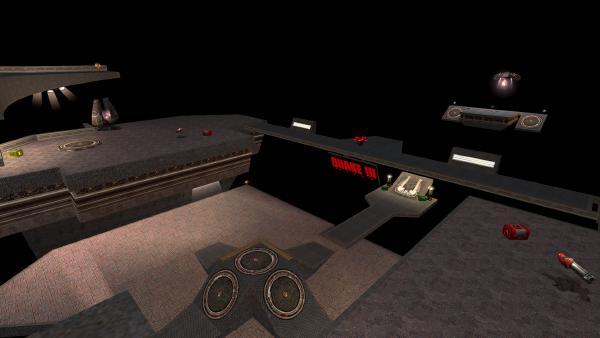
I had a surge of nostalgia recently and bought Quake 3 Arena on gog. The game has been a big part of my childhood, I used to go to internet cafes with friends to play q3a FFA, paying per hour, sometimes even using money stolen from my parents1.
The game has always been a pretty much perfect arcade experience - easy to learn, but hard to master, very dynamic, and honestly beautiful for how well it worked on any hardware.
(part 1 here)
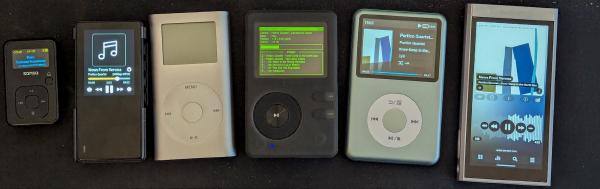
Now that we have a way to get our music and our player(s) picked out, let’s come up with an easy to use workflow and an organisatonial structure that works for us. It’s going to be a lengthy one, so let’s just get started.
Here’s the gist of the workflow:
flowchart TD cd((CDs)) cd-- dBPoweramp CD Ripper -->flac bandcamp@{ shape: cloud } bandcamp-->flac subgraph TrueNas direction TD flac@{ shape: documents, label: "/flac_music" } opus@{ shape: documents, label: "/opus_music" } mp3@{ shape: documents, label: "/mp3_music" } plex@{ shape: "lin-rect", label: "PLEX server" } flac-. lossifier-opus .->opus flac-. lossifier-mp3 .->mp3 flac===plex end rb@{ shape: card, label: "rockbox DAP"} android@{ shape: card, label: "Android DAP"} snow@{ shape: card, label: "snowsky DAP"} laptop@{ shape: card, label: "laptop"} opus-- rclone -->rb mp3-- rclone -->snow opus-. autosync .->android plex-->laptop plex-->android flowchart TD subgraph legend [Legend] direction TD style legend fill:none smb@{ shape: documents, label: "SMB share" } docker@{ shape: "lin-rect", label: "docker service" } dap@{ shape: card, label: "player hardware"} Com@{ shape: braces, label: "dotted arrows run\n on a schedule" } end As you can see the centerpiece of the system is a TrueNas NAS.
Srcery color scheme is awesome, but it’s not nearly as popular as some of the other ones. So if you adopted it as your main color scheme, you sometimes gotta do some legwork to make your devenv consistent.
So since I’m adopting Zellij, I sort of had to make this cheat sheet:
type name full name color primary black srcery-palette-primary-black primary red srcery-palette-primary-red primary green srcery-palette-primary-green primary yellow srcery-palette-primary-yellow primary blue srcery-palette-primary-blue primary magenta srcery-palette-primary-magenta primary cyan srcery-palette-primary-cyan primary white srcery-palette-primary-white primary bright-black srcery-palette-primary-bright-black primary bright-red srcery-palette-primary-bright-red primary bright-green srcery-palette-primary-bright-green primary bright-yellow srcery-palette-primary-bright-yellow primary bright-blue srcery-palette-primary-bright-blue primary bright-magenta srcery-palette-primary-bright-magenta primary bright-cyan srcery-palette-primary-bright-cyan primary bright-white srcery-palette-primary-bright-white secondary orange srcery-palette-secondary-orange secondary bright-orange srcery-palette-secondary-bright-orange secondary hard-black srcery-palette-secondary-hard-black secondary teal srcery-palette-secondary-teal secondary xgray1 srcery-palette-secondary-xgray1 secondary xgray2 srcery-palette-secondary-xgray2 secondary xgray3 srcery-palette-secondary-xgray3 secondary xgray4 srcery-palette-secondary-xgray4 secondary xgray5 srcery-palette-secondary-xgray5 secondary xgray6 srcery-palette-secondary-xgray6 secondary xgray7 srcery-palette-secondary-xgray7 secondary xgray8 srcery-palette-secondary-xgray8 secondary xgray9 srcery-palette-secondary-xgray9 secondary xgray10 srcery-palette-secondary-xgray10 secondary xgray11 srcery-palette-secondary-xgray11 secondary xgray12 srcery-palette-secondary-xgray12
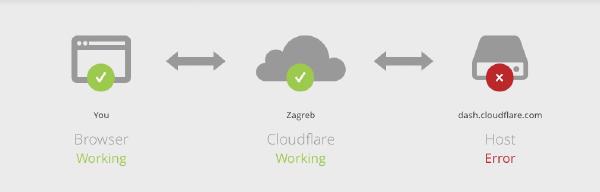
For some context: Recently I’ve been sharpening my Kubernetes skills by setting up a small 6 node k3s cluster at home. The place I currently live doesn’t have a public IP address, so I chose to set up a Cloudflare Tunnel to expose services to the internet.
I chose to have the cloudflared daemon running on the host machines and the overall setup quick and pain-free. The whole thing seemed to work well, but I noticed that over time (within hours) the tunneled services would start responding more slowly and eventually Cloudflare would display 523 errors.
Recently, after learning how bad spotify is for its artists I made a deliberate effort to move my family to Tidal - 8/10 decision, would recommend.
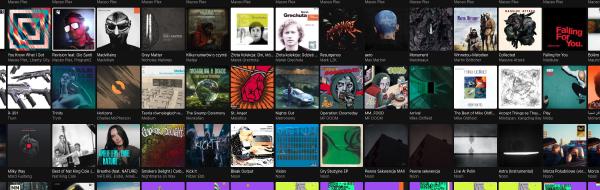
But to take step further I decided to slowly move towards “owning my music” - maintaining my own digital collection of music and making sure I have a convenient way of listening to it.
There were a number of reasons for it
I personally hate it when people post clickbait titles and take their sweet time getting to the point, so let’s do this first:
TL;DR: Some Elixir string operations, most notably String.at/2 work in linear time, as opposed to constant time, like the intuition might suggest. This is because the String module is UTF-8 aware. UTF-8 encodes characters outside of ASCII with more than one byte, so in order to find the n-th character in a string you need to process it from the beginning, you can’t just use an offset in memory.
I’m a long time power-user of Notion. For the last couple of years I’ve been using it for all of my note-taking, work organisation and tracking, online documentation, storing cooking recipes and much more. Recently they introduced a new Buttons feature and it excited many people who thought it would be the missing piece in their workflow organisation.
I played around with it for a while and I can see the current functionality is a great starting point, but it needs a bit more to actually be useful (to me)…
Below is a reprint of the article I wrote for the Rekki Medium page.
REKKI builds tools that help people along the restaurant supply chain do their jobs better.
We have a free mobile app that lets restaurants order and chat with suppliers, and a web-based tool for suppliers that helps them process orders, manage product codes and catalogues, and communicate more easily with their customers. The majority of REKKI’s backend is written in Elixir, working hand in hand with services written in Go and Node. The Elixir services handle most of what the user sees in the app like the real-time communication with the supplier and the status of the orders.
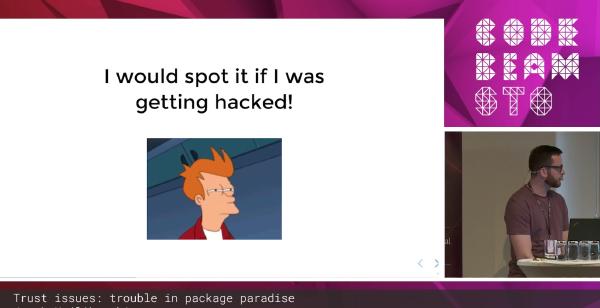
Earlier this year I gave a talk at Code BEAM STO about a proposed solution to the ever more real risk of hidden malicious code in our library dependencies. You can watch the whole thing here:
UPDATE: I have since dropped active development of the Hoplon project, but I hope something like it will become reality when the tech community is ready for it :)